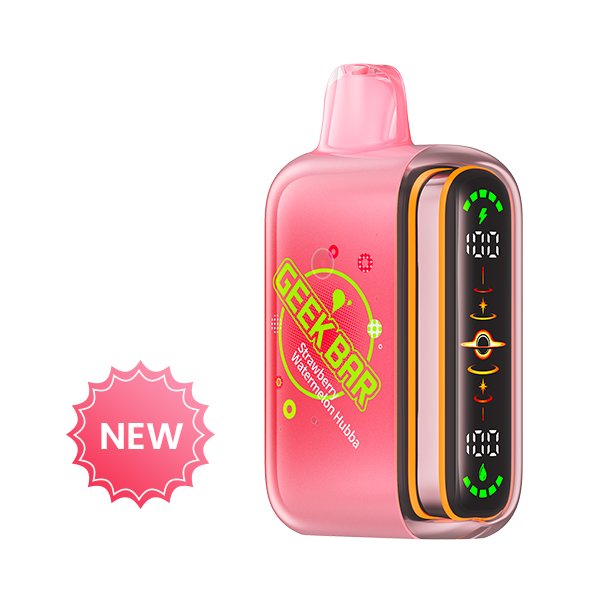
Start with the complete product name
Model families often share colours, screen treatments and marketing language. Record every word printed on the product and packaging before comparing it with another item.
Compare the component type
A complete kit, a charging device and a replacement pod are different subjects. Treat compatibility and component labels as separate fields.
Keep claims in context
Manufacturer-stated capacities and estimates describe the published specification. They are not independent performance measurements.
This guide summarizes public product information and visual identifiers. It is not an independent laboratory test or purchasing recommendation.